



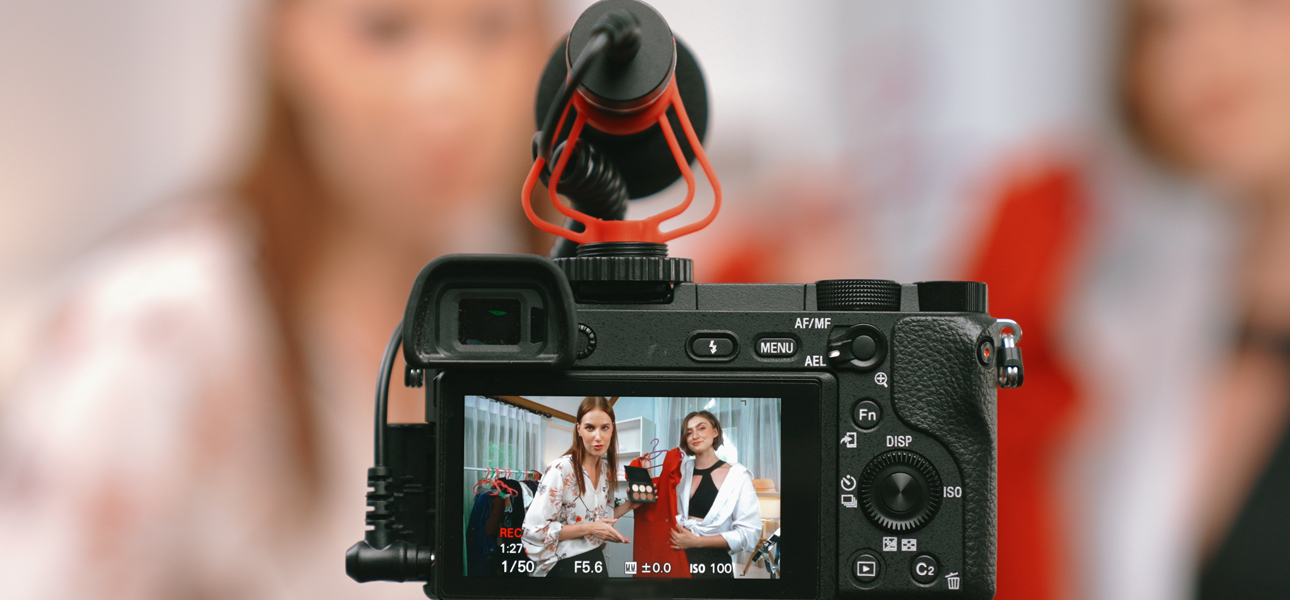
Live streaming has evolved from a novelty into a must-have marketing strategy for businesses of all sizes. It allows brands to directly interact with customers in real time—hosting product launches, Q&A sessions, webinars, or behind-the-scenes tours. By fostering immediate two-way communication, live streaming builds trust, humanizes your brand, and can significantly boost conversions.
This post will guide you through the essentials of live TV streaming for business—why it’s effective, how to choose the right platform, best practices to keep viewers engaged, and how to measure success. Whether you’re a start-up experimenting with new channels or a well-established organization looking to deepen customer relationships, live streaming offers unique opportunities to connect and grow.
Why Live TV Streaming Matters for Business
Live streaming gives brands a powerful way to build authenticity, interact instantly, and reach customers without traditional media barriers.
Authenticity and Trust
Live video is unedited and unscripted, giving viewers a genuine glimpse into your brand. This transparency fosters trust, as audiences see real human interactions instead of polished, heavily edited content.
Immediate Engagement
Unlike pre-recorded videos, live streams let you respond to questions and comments instantly—creating real-time dialogue and boosting engagement rates.
Cost-Effective Reach
Platforms like YouTube Live, Facebook Live, Instagram Live, LinkedIn Live, and Twitch allow you to reach global audiences with minimal costs.
If you’re developing a broader video strategy, check out Video Marketing 101: Building a High-Converting Video Strategy to lay a strong foundation.
Choosing the Right Live Streaming Platform
Before going live, it’s important to choose a platform that aligns with your audience and goals.
Facebook Live
-
Audience: Broad demographic, ideal for community-focused brands.
-
Best For: Product launches and Q&A sessions.
Instagram Live
-
Audience: Younger, visually focused users.
-
Best For: Lifestyle and influencer-driven campaigns.
YouTube Live
-
Audience: Broad range, with strong SEO visibility.
-
Best For: Webinars and tutorials.
LinkedIn Live
-
Audience: B2B and professional sectors.
-
Best For: Industry panels and corporate updates.
Twitch
-
Audience: Primarily gamers but expanding to other creatives.
-
Best For: Community building and interactive sessions.
How to Prepare for Your Live Stream
A successful live streaming session starts long before you hit “Go Live.”
Define Your Purpose
Know your objective—brand awareness, lead generation, or product showcase—to guide your content flow.
Plan Your Content
Outline your talking points, guest speakers, and visuals to keep the session engaging and structured.
Optimize Technical Setup
Ensure good lighting, stable internet, and clear audio. Always test before streaming.
Promote and Schedule
Announce your stream in advance via social media, email, and website banners to maximize attendance.
Learn more about selecting the right video length and format by reading Short-Form vs. Long-Form Video Content: Which Is Right for Your Brand?
Keeping Viewers Engaged in Real Time
Live streaming thrives on audience participation and authentic conversation.
Start Strong
Hook your audience within the first 10 seconds by introducing your topic and what they’ll gain from watching.
Encourage Interaction
Invite comments, questions, and reactions throughout the session to keep viewers active and involved.
Use Guest Speakers
Collaborate with influencers or industry experts to bring credibility and diversity to your stream.
Stay Conversational
Keep your tone natural and friendly. Don’t worry about small mistakes—they make your brand feel human.
Include Visual Aids
Use slides, demos, and banners to visually enrich your stream.

Maximizing ROI After the Stream
Repurpose Your Content
Edit highlights, post clips on social media, or turn sessions into evergreen content for your website.
Gather Feedback
Ask your audience what they enjoyed and what to improve for next time.
Track Performance
Review analytics—engagement, views, watch time—to measure results against your goals.
Follow Up
Send thank-you messages or related resources to nurture post-stream leads.
Common Live Stream Challenges (and Solutions)
Technical Glitches
Always test equipment and have backup plans for audio, video, or connectivity.
Low Engagement
Ask direct questions and schedule streams at convenient times.
Stage Fright
Practice, prepare notes, or co-host with a colleague to ease nerves.
Content Burnout
Rotate your formats—Q&A, tutorials, demos—to keep things fresh.
Real-World Success Stories
-
Adobe: Live design tutorials build creative community trust.
-
Shopify: Town halls create transparency and customer connection.
-
Fitness Brands: Instagram Live workouts foster real-time participation.
For advice on using AI tools to optimize your post-stream follow-ups, check out AI Tools Every Modern Marketer Should Know.

Conclusion
Live TV streaming for business is one of the most engaging ways to connect with audiences in real time. By choosing the right platform, preparing effectively, and prioritizing interaction, you can build trust, boost conversions, and expand your reach.
Ready to start streaming?
Contact Avenue180 to plan and execute professional live broadcasts that grow your brand visibility and engage your audience.
FAQs About Live TV Streaming for Business
What is live TV streaming for business?
It’s the use of real-time video broadcasting on platforms like YouTube Live or LinkedIn Live to connect with audiences, promote products, or share insights.
Which platform is best for business live streaming?
It depends on your audience—LinkedIn for B2B, Instagram for lifestyle brands, and YouTube for tutorials or webinars.
How long should a business live stream be?
Ideally between 20–45 minutes—long enough to provide value but short enough to maintain engagement.
Do I need expensive equipment to start?
No. A smartphone with good lighting, stable internet, and clear audio is often enough to start professionally.
How can I repurpose my live streams?
Turn them into short clips, highlight reels, blog embeds, or training videos to extend their lifespan.